Project Members
The Members tab allows you to see all contributors to a project and control their access level. Each member is displayed as a card.
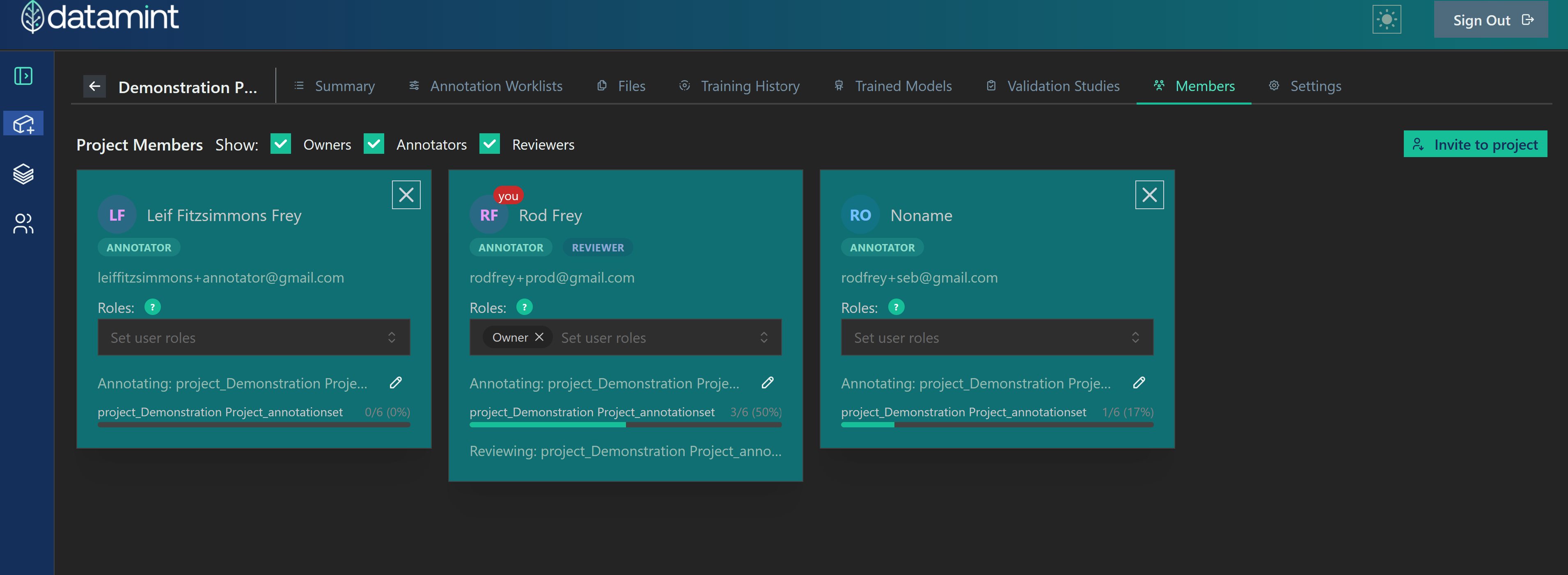
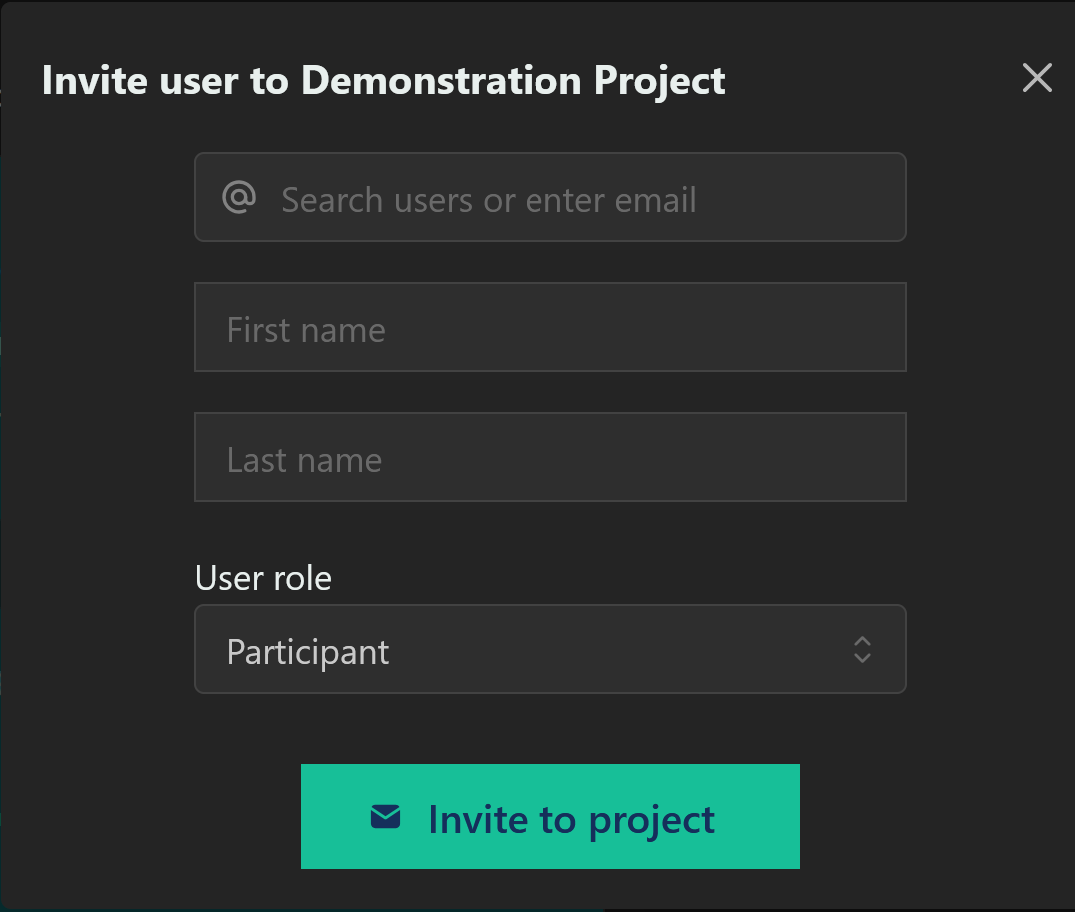
The Invite to Project button lets you add people to your project. To use it, enter the user’s email address, name, and intended role.
A member can be removed from the project by pressing the X on their card. This removes their access permanently. If you only want to temporarily restrict access, consider setting them to the Viewer role instead.
Roles
There are four basic roles in a Datamint project.
A Viewer has read-only access to the Summary, annotation status, uploaded files, and ongoing experiments. They cannot edit any part of the project.
A Participant can view the project, upload files, and use the API.
An Admin can also edit project settings.
An Owner can also edit users: this includes adding people to the project, making other admins and owners, and removing people from the project. The user who created the project is always an Owner, and cannot be removed or demoted.
These roles are separate from roles assigned for specific annotation worklists (annotator, reviewer, etc). Those roles must be managed from the Annotation Worklists tab. For more information, see Annotation Worklists.